Author: Cee Cee

  • “Good Actor” in AI: What It Means at Content Compass

    “Good Actor” in AI: What It Means at Content Compass

    Embracing AI can feel daunting. The headlines change daily, the tools keep multiplying, and for many business owners the whole thing still feels like a black box that might backfire.

    We get it. At Content Compass, we speak with owner-operators every week who want the benefits of automation but worry about losing their voice, their accuracy, or their customers’ trust.

    That’s exactly why we’ve made a deliberate choice: to be a “good actor” in this space.


    What “Good Actor” Means to Us

    Being a good actor isn’t about perfection. It’s about transparency, accountability, and putting the business — and the people it serves — first. Here is how that shows up in what we build:

    1. Grounded in your content, not generic guesswork

    Our assistants answer from your crawl, your PDFs, and your approved documents. If the answer isn’t there, we say so. That means no hallucinated pricing, no made-up policies, and no off-brand tone. Every response is traceable back to a source you control.

    2. You own the knowledge graph

    Per-assistant document linking, warm-up caching, and stale-content alerts mean you decide what the assistant knows and when it gets refreshed. There are no hidden training datasets or black-box models making claims on your behalf. You can see, edit, and revoke the source material any time.

    3. Lead capture with consent and clarity

    When our Smart Chat widget captures a lead, it does so openly. The visitor knows they are talking to an assistant, and the hand-off to your team is visible in the portal inbox. Automated follow-up emails go to your team first, so a human decides the next step.

    4. Local support, real humans

    We are built in the Wairarapa and we answer the phone. If an assistant is getting something wrong, we troubleshoot it with you — we don’t hide behind a ticket queue or an offshore chatbot. That accountability is part of the deal.


    The Bigger Picture

    AI is not going away, and the gap between businesses that use it well and those that ignore it is widening. But “using it well” doesn’t mean chasing every headline or deploying tools that sound impressive but erode trust. It means choosing automation that is:

    • Seamless — it fits into the way you already work.
    • Informed — decisions are backed by content you have approved.
    • Ethical — the visitor, the customer, and your team are treated with respect.

    That is the future we are shaping. Not a future where machines replace judgment, but one where they handle the repetitive work so your team can focus on what matters: relationships, quality, and growth.


    Join Us

    If you are an NZ business owner wondering how to bring AI into your operations without the risk, we would love to show you what a grounded, transparent approach looks like. No hype, no hard sell — just a practical conversation about what is possible with the content you already have.

    Book a Discovery Call


    About Content Compass

    Content Compass is the Assist + Automate platform built in Wairarapa for New Zealand businesses. We crawl your site, ingest your documents, and power assistants that answer with citations, capture leads, and keep your team in the loop.
  • Making Your Organization’s Knowledge Actually Usable

    Making Your Organization’s Knowledge Actually Usable

    We’re building something different at Content Compass.

    The Problem: Knowledge Trapped in Systems

    Organizations are drowning in their own content. Documents scattered across shared drives, wikis, ticket systems, and knowledge bases. Support teams answering the same questions thousands of times. Sales reps hunting for product information that exists somewhere but nobody can find.

    The knowledge is there. It’s just locked away.

    This isn’t just frustrating — it’s expensive. Every time someone can’t find what they need, they either:

    • Waste time searching (and often give up)
    • Ask colleagues who interrupt their work to help
    • Make decisions without the right information
    • Recreate work that’s already been done

    The Old Approach: Throw More People at It

    The traditional response has been predictable: hire more support staff, build bigger search indexes, create more documentation systems.

    But adding more systems doesn’t solve the core problem. It often makes it worse. Now you have more places to look, more tools to learn, and more fragmented knowledge.

    Search helps, but only if you know exactly what to search for. And even then, you get a list of documents to read through — not the answer you need.

    Our Approach: Make Knowledge Flow

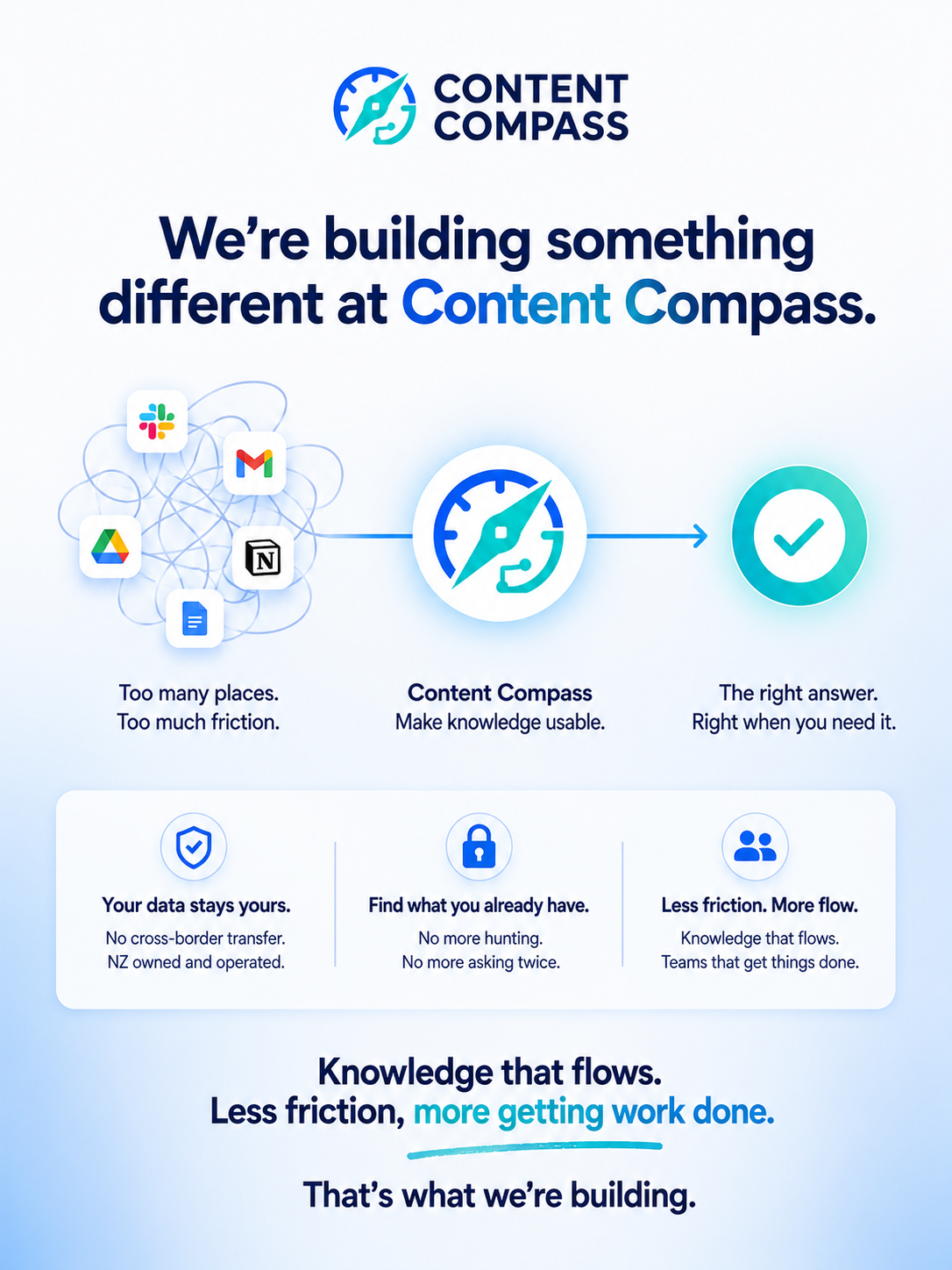
    We’re building tools that help your team find what they already have — when they need it.

    No more hunting through folders. No more asking the same question twice. No more recreating work that already exists.

    The goal is simple: knowledge should flow. Information should be accessible when people need it. Less friction, more getting work done.

    Your Data Stays Yours

    Here’s the thing: we’re not asking you to send your data halfway around the world to some mega-corp’s servers.

    No cross-border data transfer. NZ owned and operated. Your knowledge stays where it belongs — in New Zealand, under your control.

    Data sovereignty matters. Your customers trust you with their information. Your proprietary knowledge is your competitive advantage. Neither should leave the country just because you want better search.

    The Vision

    We see a future where:

    • New team members get up to speed in days, not weeks
    • Support agents answer questions with confidence, citing sources
    • Sales reps find the exact product detail they need in seconds
    • Knowledge isn’t trapped in silos — it flows to where it’s needed

    This isn’t about replacing people. It’s about augmenting them. Giving your team the information they need to do their best work.

    That’s What We’re Building

    We’re early in this journey, but the direction is clear. Knowledge shouldn’t be trapped. It should flow.

    If you’re tired of knowledge being locked away in systems nobody can use, let’s talk.

  • Integrated Assistants: Inline Answers on Your Site

    Content Compass Integrated Assistants let you drop an inline Q&A section into any page on your site. Visitors ask questions and get answers grounded in your content — with sources cited for every response.

    How It Works

    1. We crawl your website and ingest documents (PDFs, docs, pages) to build a searchable knowledge base.
    2. Assistants retrieve relevant snippets to ground every answer in your actual content.
    3. A copy-paste embed renders an inline Q&A section on chosen pages — no backend changes needed.
    4. Answers cite sources and can include follow-up prompts to keep the conversation moving.

    Where to Use Integrated Assistants

    • Product pages — Answer “How does this work?” or “What are the features?” without leaving the page
    • Support pages — Handle common questions before visitors open a ticket
    • Pricing pages — Clarify what’s included in each plan
    • Documentation — Let readers ask questions about complex topics in plain language

    Key Benefits

    • Engage visitors — Turn static pages into interactive, helpful sections
    • Embed anywhere — Works in WordPress blocks, CMS pages, or static sites
    • Fast to launch — Paste one script; we handle rendering and hosting
    • Trust & transparency — Show sources for every answer; keep content accurate

    Availability

    Integrated Assistants are available on all Content Compass plans. Set up your first assistant in the portal, then paste the embed code wherever you need it.

  • Task Tools: Turn Repeatable Tasks into One-Click Tools

    Task Tools are repeatable, structured jobs you run inside Content Compass. Instead of starting a conversation, you fill a focused brief and the system does the work — researching your knowledge base, drafting content, and returning a result you can review, edit, and approve.

    Task Tools vs Ask AI

    Ask AI is for conversations. Ask questions, explore ideas, get explanations with back-and-forth.

    Task Tools are for structured tasks. Fill a form, get a result, every time.

    The test: If you can say it in a sentence, it’s a Task Tool. If you need a conversation, it’s Ask AI.

    Example Task Tools

    Here are the kinds of tasks teams can turn into tools:

    • Proposal Generator — Enter client details, scope, and pricing. The tool pulls from your services and past proposals to draft a tailored document.
    • Document Summariser — Upload a contract, report, or brief. Get a plain-language summary with key clauses, risks, and action items highlighted.
    • Compliance Checker — Feed in a policy or process description. The tool cross-references your standards and flags gaps, missing steps, or non-compliance.
    • Weekly Report Builder — Select date range and topics. The tool gathers data from your indexed content and drafts a structured update ready for stakeholders.
    • FAQ Updater — Point the tool at a product change or new page. It suggests updates to your FAQ by comparing what exists with what changed.
    • Onboarding Pack — Enter a new hire’s role and team. The tool compiles policies, contacts, and checklists from your knowledge base into a personalised pack.

    Why Teams Use Task Tools

    • Cut busywork — Stop rewriting the same documents from scratch. A Task Tool does the first draft in seconds, grounded in your real content.
    • Stay consistent — Every run follows the same structure and quality bar. No more drift between team members or forgotten sections.
    • Reduce errors — Source citations mean you can spot and fix issues before they reach a client.
    • Scale without headcount — Handle more proposals, reports, and reviews without adding more people.

    How It Works

    1. You choose a task and fill the brief — just the details that change each time.
    2. Content Compass reads your knowledge base, documents, and connected tools to gather context.
    3. The tool drafts a result tailored to your business, with source citations.
    4. You review, edit, and approve — or run it again with different inputs.

    Availability

    Task Tools are available on the Growth plan and above.

  • Buffer Integration Now Available

    Buffer Integration Now Available

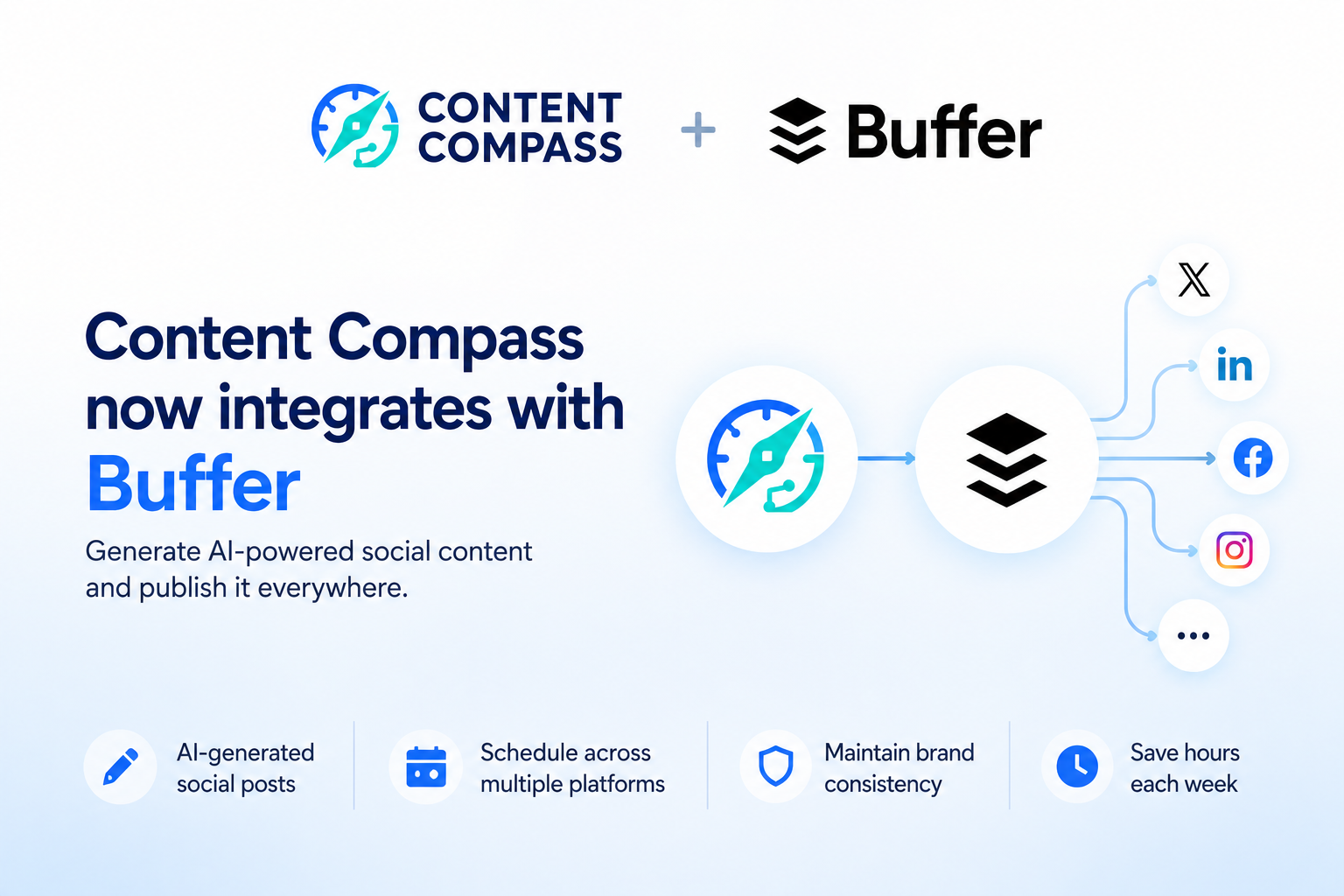
    We’re excited to announce that Content Compass now integrates with Buffer, making it easier than ever to schedule and publish AI-generated social media content.

    What This Means for You

    With the Buffer integration, you can:

    • Generate social posts directly from your content — Ask Content Compass to create engaging social media posts based on your website, documents, or knowledge base
    • Schedule posts across multiple platforms — Push content to Buffer and schedule it for Twitter, LinkedIn, Facebook, Instagram, and more
    • Maintain brand consistency — All generated content is grounded in your actual content, ensuring accuracy and brand alignment
    • Save hours each week — No more manually writing social posts — let AI do the heavy lifting while you focus on strategy

    How It Works

    1. Connect your Buffer account in the Content Compass portal
    2. Use Ask AI or Task Tools to generate social media content
    3. Push the generated content to Buffer with one click
    4. Schedule and publish across your social channels

    Getting Started

    To enable the Buffer integration:

    1. Log in to your Content Compass portal
    2. Navigate to Settings → Connections
    3. Click “Connect” next to Buffer
    4. Authorize your Buffer account

    This integration is available on all plans. Start streamlining your social media workflow today.

  • Smart Chat: AI Chat Grounded in Your Content

    Smart Chat: AI Chat Grounded in Your Content

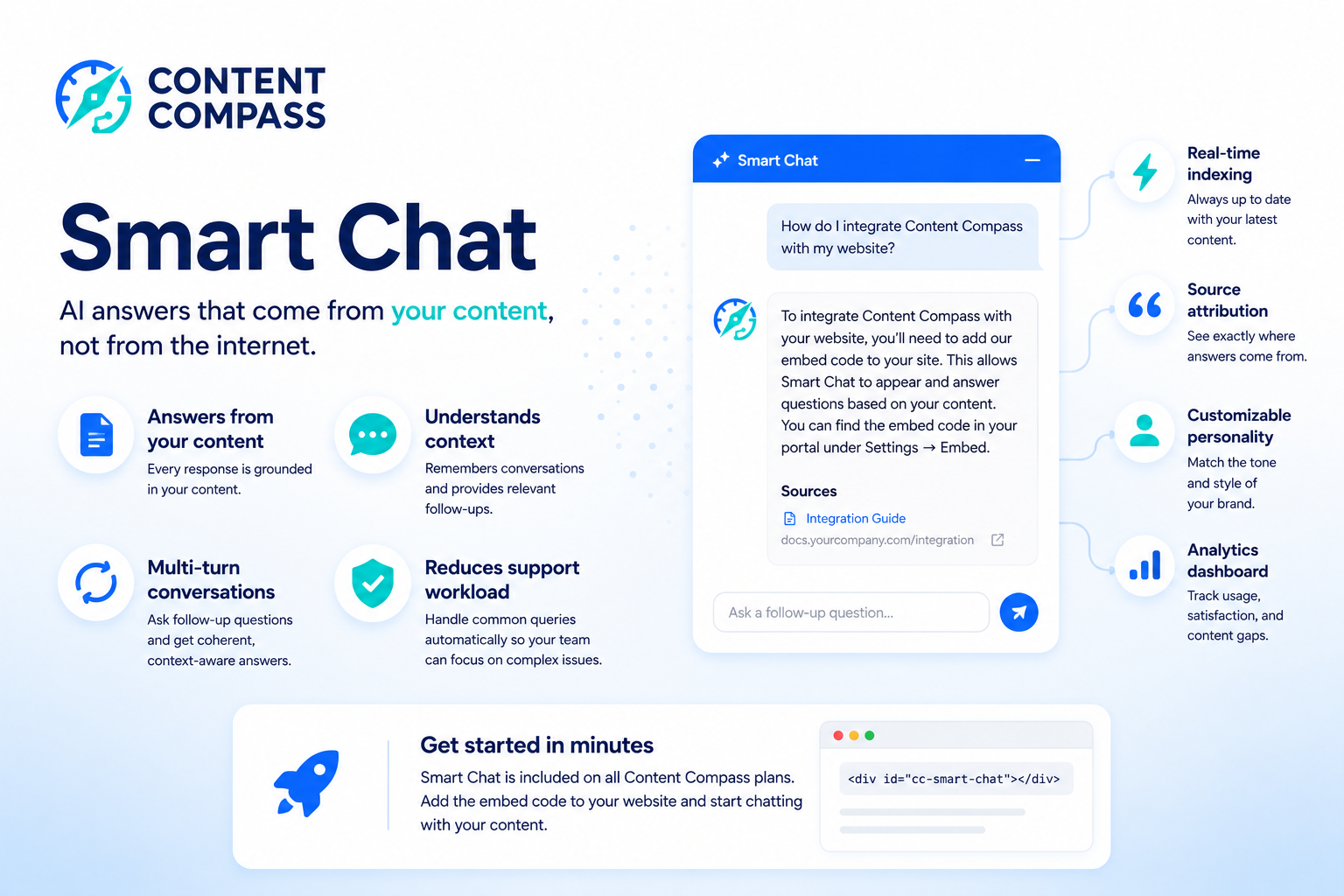
    Smart Chat is Content Compass’s flagship AI chat feature that provides accurate, context-aware responses grounded in your actual content.

    Why Smart Chat Is Different

    Unlike generic AI chatbots that can hallucinate or provide inaccurate information, Smart Chat:

    • Answers from your content — Every response is grounded in your indexed documents, website pages, and knowledge base
    • Understands context — Remembers conversation history and provides relevant follow-up responses
    • Supports multi-turn conversations — Ask follow-up questions and get coherent, context-aware answers
    • Reduces support workload — Handle common queries automatically while your team focuses on complex issues

    Key Features

    Real-time indexing — As you add or update content, Smart Chat stays synchronized with your latest information.

    Source attribution — See exactly which documents or pages informed each answer, building trust with users.

    Customizable personality — Adjust the tone and style to match your brand voice.

    Analytics dashboard — Track common queries, user satisfaction, and content gaps.

    Use Cases

    • Customer support — Answer product questions, troubleshooting, and FAQs 24/7
    • Internal knowledge — Help employees find information quickly without searching through documents
    • Sales enablement — Provide prospects with accurate product information and case studies
    • Onboarding — Guide new users through your product or service with contextual help

    Getting Started

    Smart Chat is included on all Content Compass plans. Simply add the embed code to your website and start chatting with your content.